B2B SEO for Software Companies: A Repo-First Workflow
Software teams can ship a feature in a day and still lose buyers to a missing title tag. Here is the B2B SEO loop that runs inside the repo instead of a separate dashboard.
On this page
- TL;DR
- B2B SEO for teams that ship from a repository
- A practical B2B SEO workflow for software development companies
- What B2B SEO should cover on a software company website
- SEO for custom software development companies
- Where SEOAgent fits—and where it does not
- Who this workflow is not for
- Start a B2B SEO workflow in your coding agent
- Frequently asked questions
- What is B2B SEO for software companies?
- How does B2B SEO for software companies work?
- References
TL;DR
- B2B SEO helps software companies become discoverable for the problems, solutions, and buying questions their customers search for.
- SEOAgent runs as a Skill or local
seoagentCLI inside your coding agent, using your own model and writing proposed changes into your repository. - You approve every suggestion, review the diff, and ship changes through your normal development workflow.
Your team can ship a feature in a day, yet a missing title tag, buried service page, or broken internal link can keep qualified buyers from finding the site. The usual SEO workaround sends developers and marketers into a separate dashboard, then asks someone to copy recommendations back into Markdown, React, or template files. B2B SEO works better for repository-based teams when research, writing, review, and implementation happen close to the code.
Quick answer: B2B SEO is the process of making a software company’s website discoverable for the problems, solutions, and buying questions business customers search for. SEOAgent runs through your coding agent, uses your own model, audits the site, and proposes edits directly in the repo. You approve each change before your team ships it.
B2B SEO for teams that ship from a repository
B2B software SEO has a longer decision path than a simple product search. A buyer might first search for a technical problem, then compare approaches, inspect security or integration details, and finally evaluate vendors. Your site needs useful pages at each stage, not six thin pages that repeat the same phrase.
For SEO for software development companies, product knowledge and website structure belong in the same workflow. The developer who knows whether an integration uses REST, webhooks, or a private connector can prevent a vague article from making a false promise. The person who owns the repository can also fix the heading hierarchy, metadata, canonical links, or navigation without opening a second publishing system.
SEOAgent is built for that setup. Install the free Skill or use the local seoagent CLI through a coding agent such as Claude Code, Cursor, or Codex. The agent reads the relevant site files and prepares changes in the repository. Your model does the work, so the local workflow does not add a second model subscription or per-credit metering.
For repository-based teams, an SEO recommendation becomes useful when a developer can review it as a normal code change.
Google’s developer guidance recommends making pages accessible, secure, fast, mobile-friendly, and understandable to search engines. It also warns that Google may process JavaScript differently from a browser, which makes rendered content and crawlable links practical engineering concerns, not marketing chores. Google’s SEO guide for web developers explains these foundations.
A practical B2B SEO workflow for software development companies
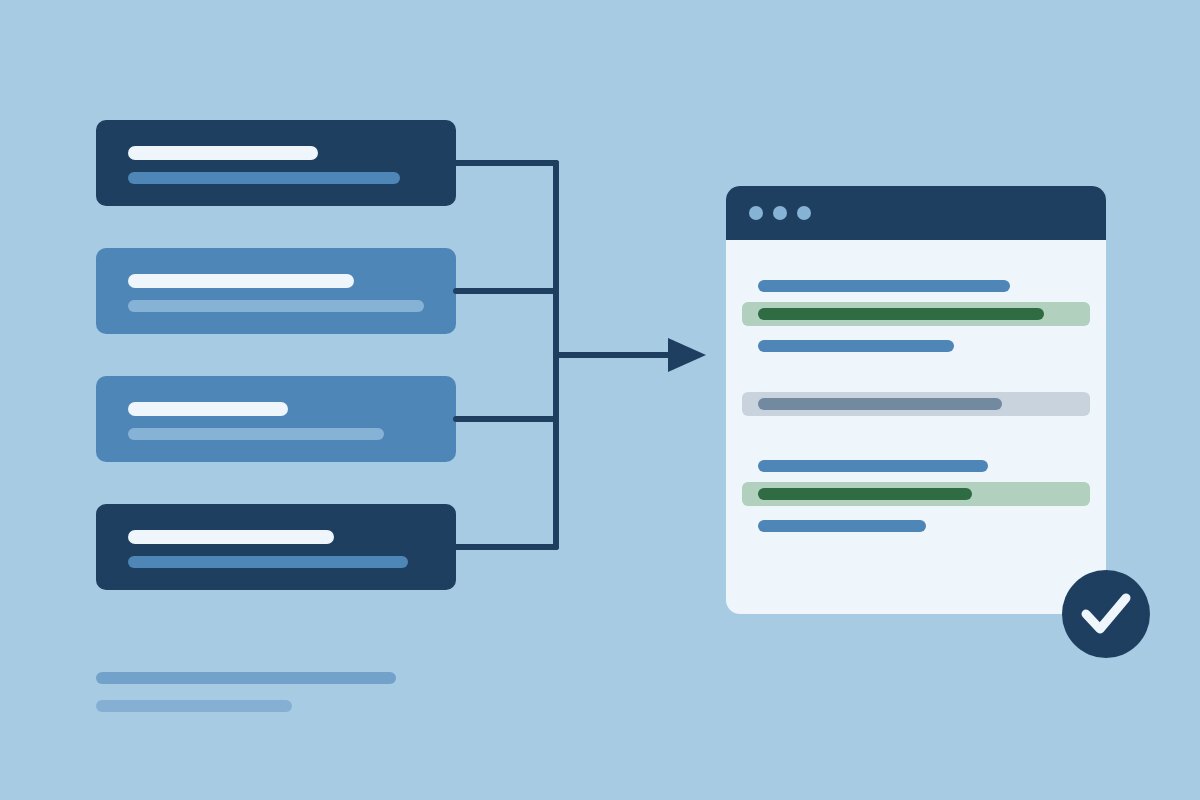
A workable process needs a clear handoff between discovery and implementation. The sequence below keeps every recommendation attached to a file, page, or decision your team can inspect.
- Audit the existing site. Run SEOAgent against the repository or site. Review findings for missing metadata, weak headings, indexing issues, internal-link gaps, and pages that fail to explain the product clearly.
- Choose work with a reason. Group findings by page and intent. For example, a page about an API integration may need a clearer title and a link to an implementation guide, while a broad “services” page may need a new industry-specific page rather than another paragraph.
- Ask the coding agent to prepare changes. Give it a narrow task such as, “Update the title, description, H2 structure, and two relevant internal links for the webhook integration page. Preserve the existing claims.”
- Review the diff. Check every sentence against the product, inspect links, and reject unsupported claims. SEOAgent keeps approval with you; it does not publish automatically.
- Ship through the normal repository process. Run tests, preview the page, open the pull request if your team uses one, and deploy through your existing process.
That workflow also works for SEO software development teams that have one developer handling content between releases. Start with one page and one measurable artifact, such as a corrected title tag or a link map. A small diff is easier to verify than a large batch of vague edits.
| Stage | Useful artifact | Approval question |
|---|---|---|
| Audit | Finding tied to a URL or file | Does the issue affect discovery or buyer understanding? |
| Planning | Page brief with search intent | Does this page have a distinct job? |
| Editing | Repository diff | Are claims accurate and links relevant? |
| Release | Preview, tests, and deployment | Does the rendered page match the source? |
What B2B SEO should cover on a software company website
A software website needs pages that answer different buying questions. Start with product and solution pages. A page for “event-driven data synchronization” should explain the problem, supported systems, implementation model, constraints, and next step. It should not repeat the homepage with a new keyword in the H1.
Add use-case pages for distinct jobs, such as syncing inventory between systems or giving finance teams a reliable audit trail. Comparison pages can address alternatives when the company has enough factual knowledge to explain tradeoffs fairly. Supporting guides should answer implementation questions and link back to the relevant solution page.
Technical SEO covers the parts developers can inspect in the codebase. Audit titles, descriptions, H1 and H2 structure, visible page content, image alt text, structured data where supported, sitemap behavior, robots directives, canonical URLs, and internal links. Google recommends validating structured data and checking how Google sees a page before release; its SoftwareApplication structured data guidance gives the relevant example for software pages.
Topic clusters help teams plan a long buying cycle without creating near-duplicate pages. A cluster might contain one solution page, three use-case pages, a comparison, and several technical guides. SEOAgent’s topic clusters feature supports strategy discovery, briefs, and proposed ideas. Give every page a distinct question and connect it to the next sensible decision.
A topic cluster earns its place when each page answers a different buyer question and points readers toward a logical next decision.
SEO for custom software development companies
SEO for custom software development companies starts with the buyer’s problem, not a generic “custom software services” page. Organize pages around industries you genuinely serve, systems you can integrate, capabilities you can verify, and business problems your team can solve.
For example, a development firm might create separate pages for warehouse management integrations, legacy system modernization, and internal operations software. Each page should state the intended buyer, technical approach, project boundaries, and evidence. A page about modernization can discuss strangler-fig migration, API boundaries, testing, and phased releases if the team has real experience in those areas.
Map intent to page type before writing:
- Informational: explain a problem such as “how to replace a legacy order system.”
- Commercial: describe a service such as “custom inventory integration development.”
- Comparison: explain tradeoffs such as “build versus buy for an internal workflow tool.”
This approach gives SEO for software development companies a technical point of view. It also protects credibility. Use named clients, results, architectures, and screenshots only when the company can verify and publish them. For confidential work, describe the pattern without inventing a case study: “a regulated operations team” is safer than an invented customer name or an invented performance figure.
SEOAgent can prepare repository edits for these pages, but subject-matter review stays with the company. The agent cannot decide whether a claim about a database, framework, compliance requirement, or client project is true.
Where SEOAgent fits—and where it does not
SEOAgent fits developers and technical founders who keep their site in a codebase and work through a coding agent. Its local workflow audits the site and writes proposed changes into repository files. You inspect the diff and ship it yourself.
| SEOAgent fits when | Choose another workflow when |
|---|---|
| Your site lives in Git-managed files. | Your team needs a dashboard-only editor. |
| A developer can review HTML, Markdown, templates, or configuration. | No coding agent can access the site repository. |
| You want approval before every SEO change. | You expect automatic publishing to a CMS. |
| You want local work through your own model. | You need cloud research features without the paid tier. |
SEOAgent does not publish directly to WordPress, Webflow, Strapi, or Shopify. The coding agent writes changes into the repo, and your team deploys them. That boundary matters for release ownership and access control.
Who this workflow is not for
- Teams without a coding agent or repository access.
- Organizations that require a dashboard-only content workflow.
- Sites where nontechnical staff must publish without code review.
- Projects seeking automatic publishing or guaranteed rankings.
The optional paid cloud tier adds Google Search Console analysis, keyword and competitor research, and evidence-backed suggestions that sync back into the repository. The free local Skill and CLI remain the right starting point when you want to inspect and edit files through your existing agent.
Start a B2B SEO workflow in your coding agent
Start with the smallest useful change. Install the SEOAgent Skill or local CLI, open the repository in your coding agent, and run an audit against the site. Codex users can follow the workflow on SEOAgent for Codex; teams that manage several client sites can review SEOAgent for agencies.
Use this launch checklist:
- Confirm the agent can read the relevant site files.
- Run an audit and save the findings tied to URLs or files.
- Select one page with a clear buyer question.
- Ask the agent for a focused diff covering content, metadata, or links.
- Check every technical and commercial claim.
- Preview the rendered page and validate the release.
- Approve only the changes your team is ready to ship.
For broader product capabilities, review SEOAgent features. The product includes SEO optimization, technical SEO, keyword research, auto-interlinking, indexing checks, and AI search readiness capabilities where the relevant implementation supports them. SEO for developers covers the same loop for a single codebase, and AI SEO tools for SaaS compares the tools a software team is usually choosing between.
Begin with one audited page, one reviewed diff, and one normal deployment rather than handing SEO control to an unreviewed automation.
Frequently asked questions
What is B2B SEO for software companies?
B2B SEO for software companies is the process of making a software website discoverable for the problems, solutions, and purchasing questions searched by business buyers.
How does B2B SEO for software companies work?
B2B SEO works by matching distinct search intents to useful pages, improving technical access and page clarity, connecting related content with internal links, and reviewing changes before publication.
References
Put SEO on autopilot in your own editor
SEOAgent runs as a free skill inside Claude Code, Cursor, and Codex — on the model you already pay for. Audit, plan, and write SEO content right in your repo, with every change reviewed before it ships. No second AI subscription.
What do you use to work on your site?
Pick one above and we take you to the right setup.