Competitor Keyword Research: How to Find the Gaps Rivals Leave Open
Competitor keyword research shows which searches rivals win that you have no page for. Here is a method to pick the right rivals, filter the gaps and ship pages from them.
On this page
- What is competitor keyword research?
- How to do competitor keyword research
- 1. Pick the right competitors
- 2. Collect what they rank for
- 3. Subtract what you already cover
- 4. Filter for relevance before you filter for volume
- 5. Check the search intent
- 6. Turn each decision into an action
- Common mistakes in competitor keyword analysis
- Running competitor keyword research from your repository
- A worked example
- How often to repeat it
- References
You already know the keywords you chose. The more useful question is which searches your rivals win that you never thought to target. Competitor keyword research answers it: you take the sites competing for your audience, list the queries they rank for, and keep the ones your own site has no page for.
Done well, it replaces a brainstorm with evidence. Done badly, it hands you a 4,000-row export of terms that have nothing to do with your product. This guide covers the method, the filters that matter, and how to run the whole loop from a repository with a coding agent.
What is competitor keyword research?
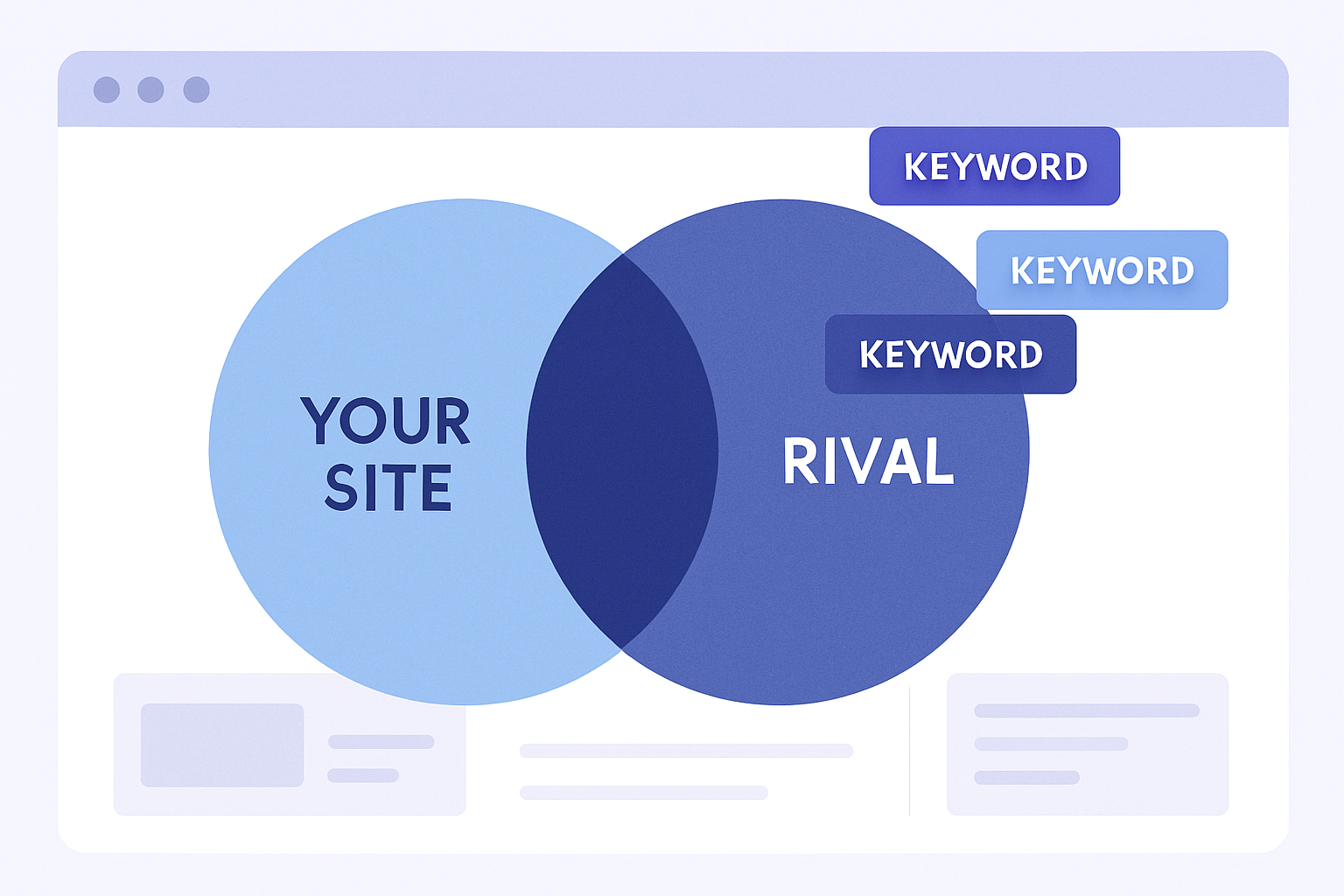
Competitor keyword research is the process of identifying the search queries that competing sites rank for, then comparing that list with your own to find terms you are missing, under-serving or losing. You will also see it called competitor keyword analysis, SEO competitor analysis or a keyword gap analysis. The phrases overlap heavily; the output is the same: a ranked list of candidate keywords, each with a reason to pursue it.
It answers three practical questions:
- Which topics do rivals cover that I do not? These are content gaps and usually become new pages.
- Where do we both rank, and who is ahead? These are positions you may be able to improve with a better page or stronger internal links.
- Which terms do rivals rank for that are plainly irrelevant to me? These are noise, and a good process discards them early.
It does not tell you what to write by itself. A competitor ranking for a term shows that the term has demand and that Google considers that page a reasonable answer. Whether you should compete depends on your product, your audience and how hard the term is.
How to do competitor keyword research
1. Pick the right competitors
The most common mistake is analysing the biggest brand in your category. A site with a decade of links ranks for thousands of terms you cannot reasonably chase. Choose rivals in two groups:
- Business competitors: products a buyer would compare you with. They show you commercial terms such as alternatives, pricing and "best X for Y".
- Search competitors: sites that appear for your target queries even though they sell something else, such as a blog, a docs site or a directory. Run a handful of your most important queries in a private browser window and note who keeps showing up.
Three to five rivals is plenty. More than that and the list stops being comparable.
2. Collect what they rank for
Use a keyword tool that reports organic rankings by domain. Pull the queries each rival ranks for, with the ranking URL, estimated volume and a difficulty score. Restrict the data to organic results: paid keywords describe ad budgets, not content you could write.
Take the top 10 positions first. A rival sitting at position 40 for a query tells you little about whether that query is worth a page.
3. Subtract what you already cover
Compare each rival's list with your own site's queries. Your most reliable source is your own data: Search Console's performance report lists the queries that already earn impressions, so you can tell a true gap from a term you rank for on page two. Google notes that anonymized queries and row limits mean the report never shows everything, so treat a missing query as a prompt to check, not as proof of absence.
What remains falls into four buckets:
| Bucket | What it means | Usual action |
|---|---|---|
| True gap | Rivals rank, you have no page | Create a page |
| Striking distance | You rank on page two, a rival ranks on page one | Improve the existing page |
| Covered but outranked | You have a page and still lose to a rival | Compare the pages and close the gap |
| Off-topic | Rival ranks, but the term does not fit your product | Discard |
4. Filter for relevance before you filter for volume
Sorting by volume feels natural and is usually wrong. A term with 5,000 searches a month that your product cannot satisfy brings in readers who bounce. Ask of each candidate:
- Would someone searching this plausibly need what we offer?
- Can we say something on the subject that the ranking pages do not?
- Does it fit a page type we can produce: a guide, a comparison, a feature page?
Only then look at the numbers. Volume and difficulty together sort the list into sensible tiers. Low difficulty with real volume is where a newer site usually wins first. A high-volume, high-difficulty head term is a project for later, once supporting pages exist.
5. Check the search intent
Open the results for each shortlisted term. If every ranking page is a product comparison, a how-to guide will struggle. If they are all short definitions, a 3,000-word pillar page is the wrong format. The rival's page tells you what searchers are being served; your job is to serve the same intent better, not to guess at it. Our guide to building a keyword strategy covers how to record intent and assign each group of queries to a single URL so two of your own pages never compete.
6. Turn each decision into an action
A competitor export is only useful once each row has an outcome: create, update, link or drop. Record the target URL, the page type and a status. Anything left as "interesting" is a list, not a plan.
Common mistakes in competitor keyword analysis
- Copying rivals' pages. You are looking for the question they answered, not their wording. A page that repeats what the top results already say gives Google little reason to rank it.
- Chasing every gap. A gap exists because a rival chose to write the page, not because you must. Skip terms outside your audience.
- Ignoring your own rankings. An update to a page already on page two is often faster than a new article.
- Treating volume as a promise. Search volume is a provider estimate. Where several close variants (for instance "competitor keyword research", "competitor keyword analysis" and "seo competitor analysis") report the same figure, it is likely the head term's volume shared across them, not three separate audiences. One well-built page can serve all of them.
- Running it once. Rivals publish new pages every month. Rerun the comparison on a schedule.
Running competitor keyword research from your repository
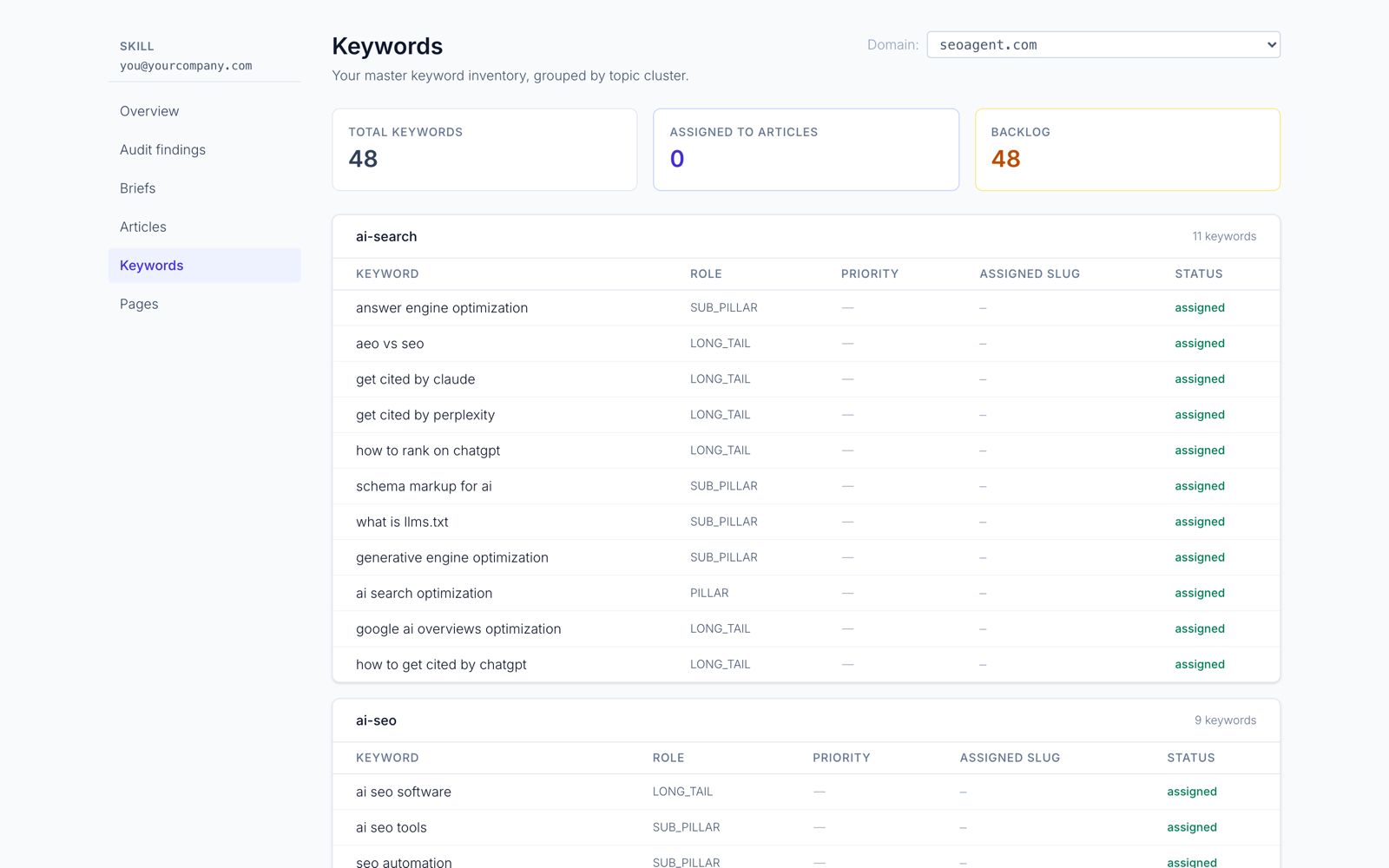
If your site lives in a repo and you work with Claude Code, Cursor or Codex, the research can sit next to the code it will change. SEOAgent's keyword research works this way:
seoagent keywordsenriches your inventory with search volume and difficulty from DataForSEO, and joins each row with the position Search Console reports for your site.seoagent keywords --competitorsreports the keywords your rivals rank for in the organic top 10 that you do not track, ranked by opportunity score with a cap per competitor. The rivals it analysed are saved to your dashboard.seoagent keywords --discoveradds keyword ideas seeded from your strategy, with a relevance judge that hides off-topic candidates, which addresses the "irrelevant rows" problem from step 4.seoagent keywords --peek "<keyword>"looks up one keyword's volume, difficulty and intent without an account, on a daily quota.
Results land in .seoagent/keywords.md, a read-only file your coding agent reads like any other file in the repo.
Enrichment and seeding need a login; competitor gap and discovery are part of the paid cloud tier, while the Skill and local CLI for repo edits are free. SEOAgent does not publish on its own. When a gap becomes an approved brief, your coding agent writes the page into the repo, and you review the diff before it ships. See SEO tools for Claude Code and SEOAgent for Claude Code for that workflow end to end.
If you would rather work in a dashboard and need the largest possible rankings database, a dedicated tool is the better fit; the SEOAgent vs Ahrefs comparison lays out the trade-offs.
A worked example
Suppose you run a developer tool and your rival list includes two direct competitors and one documentation site that keeps appearing for your queries.
- Pull each rival's organic top-10 queries: roughly 600 rows in total.
- Remove everything you already rank for, per Search Console: 450 left.
- Discard off-topic terms (a rival's unrelated consumer product, for instance): 140 left.
- Keep terms with a page type you can build and difficulty you can realistically beat: 25 left.
- Group near-duplicates under one target URL each: 12 pages.
- Mark 9 as "create", 3 as "update an existing page", and file the brief for each.
The numbers are illustrative, but the shape is typical: the final list is a small fraction of the export, and that is the point. The research succeeded because it removed most of the rows.
How often to repeat it
Rerun the comparison every quarter, or after a rival launches a new section or product. Between runs, check Search Console for queries where you gained impressions without a dedicated page: those are gaps your own audience has already identified.
References
- Performance report: search results dimensions and groupings (Search Console Help)
- SEO Starter Guide: The Basics (Google Search Central)
- Creating helpful, reliable, people-first content (Google Search Central)
Put SEO on autopilot in your own editor
SEOAgent runs as a free skill inside Claude Code, Cursor, and Codex — on the model you already pay for. Audit, plan, and write SEO content right in your repo, with every change reviewed before it ships. No second AI subscription.
Your first SEO pull request in about 5 minutes. You pick the repo, and you merge every change.
What do you use to work on your site?
Pick one above and we take you to the right setup.