Keyword Strategy for SEO: Build a Plan Your Coding Agent Can Implement
A keyword list records phrases; a strategy gives each one a page, an intent and a next action. Here is how to build one that a coding agent can execute file by file.
On this page
- What is a keyword strategy?
- How to build a keyword strategy for SEO
- Map keywords to pages instead of forcing them into copy
- Build topic clusters that support the main page
- Use a coding agent to turn the strategy into repository changes
- How to evaluate and maintain a keyword strategy
- When not to create a new keyword page
- References
A founder opens the repository and finds 40 pages, three versions of the same product explanation, and no record of which search each page is meant to satisfy. There is a spreadsheet full of keywords. There is no plan.
A keyword strategy connects search demand to business problems, page types, internal links and approved repository changes. If your site is built and maintained through Claude Code, Cursor or Codex, that strategy can live in the repo as a brief your coding agent reads and applies one file at a time.
What is a keyword strategy?
A keyword strategy is a documented plan for deciding which searches deserve pages, what intent each page satisfies, and how those pages serve a business goal. It ties a query such as "SEO tool for Claude Code" to a specific URL, page type, call to action and implementation status.
A keyword list records phrases. A strategy gives those phrases jobs. "SEO audit" and "technical SEO audit" may belong on one page if searchers want the same answer; "SEO audit software" may need its own product page because that searcher is comparing tools. The words overlap; the page job does not.
That distinction matters because research alone does not tell you whether to create a page, update an existing URL, add an internal link, or drop a term. Google's SEO Starter Guide is also clear that no secret guarantees a first-place result, so the plan should be about matching pages to intent, not chasing positions.
For every topic in a keyword strategy for SEO, record five things:
- Search problem: what the reader is trying to solve.
- Intent: informational, commercial investigation, comparison or navigational.
- Target URL: the existing or proposed page.
- Business job: education, product evaluation, sign-up or support.
- Repository action: create, update, redirect, link or defer.
Take SEOAgent's own site. "SEO for coding agents" points to an educational guide. "SEOAgent for Claude Code" belongs on a product page. "SEOAgent vs Ahrefs" needs a comparison page. One generic article would blur all three and leave each reader hunting for their answer.
How to build a keyword strategy for SEO
Build the plan the way you would debug an unfamiliar codebase: find out what exists, define the behaviour you want, then record the smallest change that gets there.
- Inventory the product and URLs. List the problems the product solves, its main features, and every current route with its title, H1 and inbound links. In a repo, that means the route files and the content directory (for example
content/blog/*.md). This shows the real publishing surface before anyone proposes another article. - Collect relevant queries. Start from product language, customer questions, sales calls, support tickets and competitor categories. Google's Keyword Planner suggests related terms with search and cost estimates; SEOAgent's keyword research seeds from your Search Console data. Treat volume estimates as input, not orders.
- Classify intent. Label each group informational, comparison, feature-led or navigational. For ambiguous phrases, read the current results and note the format searchers seem to want.
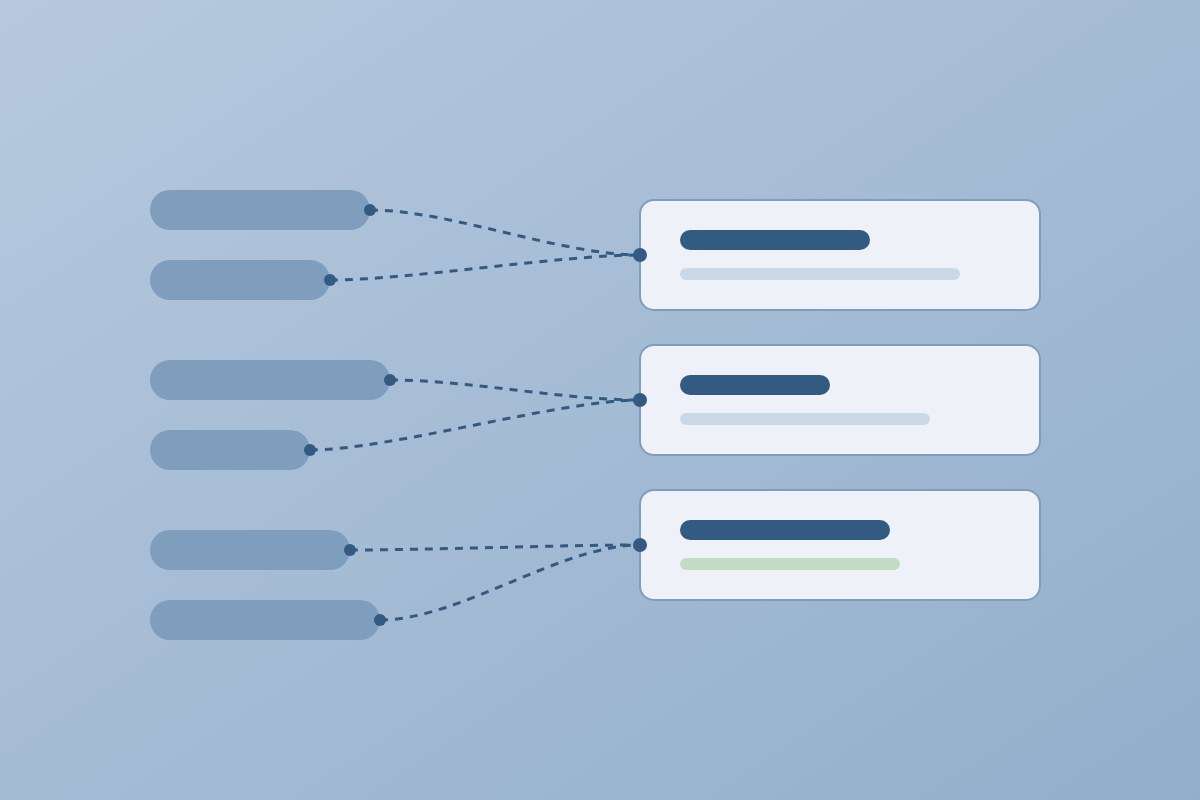
- Group related queries. Put close variants under one topic when they share an answer. Split them when the audience, decision stage or page format changes.
- Map each group to one URL. Use an existing page when it already owns the intent; create a page only when the site has no home for it. Two URLs chasing one question cannibalize each other, and that gets harder to untangle later.
- Record the action. Give each row a status: proposed, approved, in progress, shipped or needs review. The plan is useful once another person, or a coding agent, can execute it without guessing.
| Topic | Target page | Intent | Evidence | Status |
|---|---|---|---|---|
| Keyword strategy | /blog/keyword-strategy | Informational | Query language, customer question | Shipped |
| SEOAgent for Claude Code | /for/claude-code | Product evaluation | Product-specific use case | Existing page |
| SEOAgent vs Ahrefs | /compare/seoagent-vs-ahrefs | Comparison | Named-competitor query | Existing page |
Keep assumptions apart from evidence. Before publication, an intent label is a hypothesis based on the query and the pages ranking for it. After publication, Search Console shows which queries actually led to the page. Its performance report filters by query and surfaces opportunities such as high impressions with low click-through, though Google notes that anonymized queries and row limits mean it never shows every query.
If you have already mapped content to the funnel, a content mapping example is the sibling artifact: it maps audience problems to formats, where a keyword map maps queries to URLs. The two should agree.
Map keywords to pages instead of forcing them into copy
The page format follows the searcher's task. Repeating a keyword in a heading cannot rescue a page that answers the wrong question.
- Informational pages explain a process, concept or problem. "How to create a keyword map" wants a guide with definitions, steps and an example.
- Comparison and alternative pages help someone choose between tools. "SEOAgent vs Ahrefs" needs a clear scope, workflow differences and honest limits: SEOAgent runs inside a coding agent and edits files in your repo, so it is a poor fit for a team that wants a dashboard-only tool.
- Feature and solution pages describe one capability and how it is used. A query about auditing metadata belongs on a page about that workflow, not inside a beginner article.
- Existing pages that need work already have the right audience and intent but weak titles, thin coverage or few inbound links. Improve the URL before creating a competitor to it.
A simple decision rule: if the query asks "how", start with an educational page. If it names two products, use a comparison page. If it names a capability, check whether a feature page already owns that intent; if one does, update it rather than publishing a near-duplicate.
Suppose a developer searches "audit SEO metadata in a code repository". A guide explains the method with a checklist; a feature page shows how SEOAgent's SEO optimization workflow audits a site and proposes meta tags, alt text and schema as a diff. The guide links to the feature page after it has answered the educational question, not before.
Build topic clusters that support the main page
A topic cluster is an information-architecture and internal-linking pattern: one central page, supporting pages that answer narrower questions, and links where the next question naturally arises.
For a central page on SEO for coding agents, supporting pages could cover:
- How to audit metadata in a repository.
- How to plan internal links for a documentation site.
- How repository-based SEO compares with dashboard tools.
- How to review SEO changes in a pull request.
Each supporting page needs a distinct question. The audit guide links up to the central page when the reader wants the product workflow; the central page links down to the guides as proof it covers the problem. Use anchor text that says where the link goes. "Review SEO changes in a repository" tells the reader more than "read more". A cluster with dozens of forced links reads like a sitemap pasted into prose.
Check for cannibalization before adding a supporting page: compare its title, primary intent, audience and required answer against every existing URL. If two pages would both explain "SEO for coding agents", merge them or give one a narrower job.
SEOAgent's topic clusters plans central topics, supporting ideas and briefs, and its output stays reviewable: a Markdown plan, a route map, or a brief that names the target file and its link relationships. A cluster earns its place through useful coverage, not an article count.
| Cluster role | Example page job | Links to | Overlap test |
|---|---|---|---|
| Central solution | Explain SEO run through a coding agent | Each focused guide | Owns the broad solution intent |
| Educational support | Explain repository SEO audits | The central page | Answers one how-to question |
| Comparison support | Compare SEOAgent and Ahrefs | The product workflow page | Names the competing tools |
Use a coding agent to turn the strategy into repository changes
This is where the plan stops being a spreadsheet. SEOAgent runs on your own model inside your coding agent, reads the repository, edits files in it, and keeps every change approval-gated. There is no second subscription or per-credit meter, but it does require Claude Code, Cursor, Codex or another coding agent.
Start with inspection. The agent should identify the framework, route files, Markdown content, metadata helpers, sitemap logic, robots file and existing internal links, and report what it found before suggesting edits. That prevents the classic failure: a perfect title written for a route the app never renders.
Store the map in a reviewable file such as seo/keyword-map.md, one row per query group with the target URL, intent, current file, proposed action, evidence and status. Then give the agent a bounded instruction:
Read seo/keyword-map.md and inspect the referenced routes.
For approved rows only, propose title, heading, copy and internal-link edits.
Show the diff and list any unresolved intent overlap. Do not publish or modify unapproved files.
The resulting diff might touch one new Markdown post, a page's metadata, and two existing posts that should link to it. The agent can also update sitemap or robots configuration when the plan calls for it. It does not publish to WordPress, Webflow or any CMS: you review the diff, run your checks, and ship through your normal deploy.
See SEOAgent for Claude Code for that workflow end to end. The free Skill and local seoagent CLI handle audits and repo changes; Search Console analysis, keyword research and competitor research are the optional paid cloud tier, which matters when you decide what evidence the agent can see locally. The SEOAgent vs Ahrefs comparison covers where a dashboard-first tool is the better fit.
How to evaluate and maintain a keyword strategy
Products, URLs, competitors and search behaviour change, so the map needs maintenance. Review it like a dependency file: check ownership, catch conflicts, and remove entries that no longer describe the system.
For each page, check:
- Does it have one clear primary intent?
- Can you state its business job in one sentence?
- Does another URL answer the same question?
- Does it answer the obvious follow-up questions?
- Does at least one relevant page link to it, and does it link onward where useful?
- Do the title, H1, opening paragraph and URL describe the same subject?
- Does Search Console show unexpected queries that point to a gap or a better page match?
Keep planning evidence and post-publication evidence apart. A product description, customer question or Keyword Planner suggestion supports the initial hypothesis; Search Console data shows observed behaviour once Google has crawled and served the page. Use that data to revise the map, not to promise rankings. A page drawing unexpected queries may need a clearer section, a new internal link, or (if the intent really differs) a separate page. A page with no impressions after a reasonable period may need better discovery, deeper coverage, or retirement. For the reporting side, see SEO analytics and reporting.
When not to create a new keyword page
- The query has the same intent as an existing page and adds no new audience.
- You cannot provide a useful, original answer beyond a generic summary.
- The page would exist only to repeat a phrase in a different grammatical form.
- There is no reliable route or content owner for the URL.
- The query sits outside your product's real audience.
The loop is short: inventory the repo, map queries to URLs, build the cluster, implement approved edits, review the diff, read Search Console, update the map. Keep the map in a tracked Markdown file so the next coding-agent session starts from decisions, not from another blank spreadsheet.
References
- SEO Starter Guide: The Basics (Google Search Central)
- Creating helpful, reliable, people-first content (Google Search Central)
- Performance report: search results dimensions and groupings (Search Console Help)
- Use Keyword Planner (Google Ads Help)
Put SEO on autopilot in your own editor
SEOAgent runs as a free skill inside Claude Code, Cursor, and Codex — on the model you already pay for. Audit, plan, and write SEO content right in your repo, with every change reviewed before it ships. No second AI subscription.
What do you use to work on your site?
Pick one above and we take you to the right setup.