Types of Schema in SEO: The Schema.org Types Worth Using (and Which to Skip)
Schema.org defines hundreds of types, and a typical site needs about eight. Here are the types of schema in SEO grouped by what they describe, the three syntax formats, which Google features have been retired, and how to choose.
On this page
- What are the main types of schema in SEO?
- Identity types: who is behind the site
- Content types: what the page is
- Commerce and software types: what you sell
- Navigation and event types: how the site is organized
- What are the three schema formats?
- How are schema types organized? (The Schema.org hierarchy)
- Properties, nesting and @id
- Which schema type for which page? A quick reference
- Why do lists of schema types disagree?
- Which schema types has Google stopped showing?
- How do you choose which schema types to add?
- How do you check which types a site already uses?
- Doing this with a coding agent
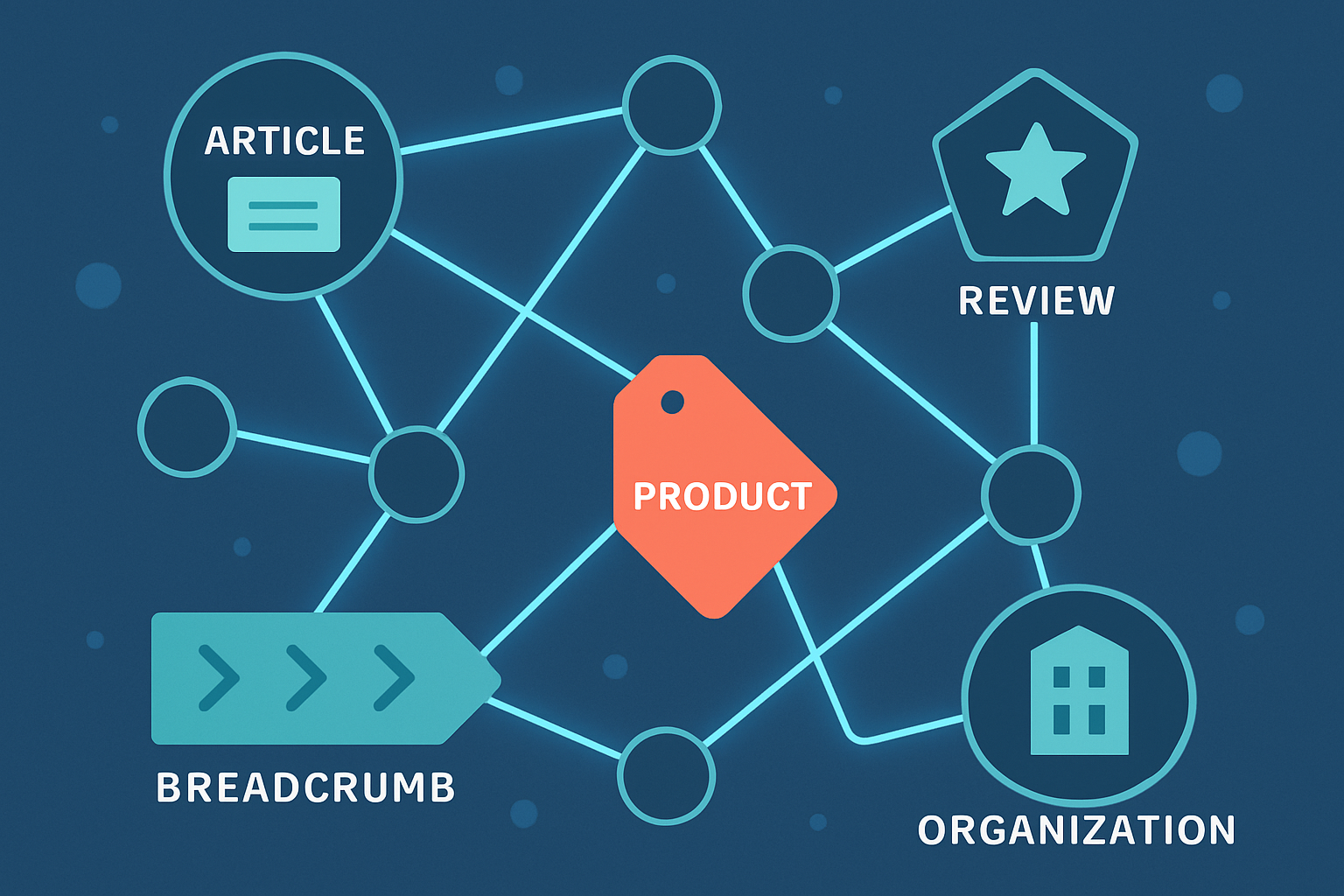
The types of schema in SEO are the entity types defined by the Schema.org vocabulary, such as Organization, Article, Product, BreadcrumbList and FAQPage, that you add to a page as structured data. Schema.org lists hundreds of them. Most sites need a handful, chosen by what the page actually is.
Last reviewed: October 16, 2026.
Two things get mixed up under this heading, so separate them first:
- Schema types are what you describe: an organization, an article, a product.
- Schema formats are how you write it: JSON-LD, Microdata, or RDFa.
Neither one raises rankings by itself. Structured data gives machines an explicit description of the page. Whether a search engine or AI system uses it, and how, is that system’s decision.
What are the main types of schema in SEO?
Group them by the job they do. This is easier to remember than an alphabetical list, and it tells you which types belong on which page.
Identity types: who is behind the site
| Type | Describes | Typical page |
|---|---|---|
Organization |
A company, brand, or publisher: name, logo, URL, social profiles | Home or about page |
WebSite |
The site as a whole: name and URL | Home page |
Person |
A named individual, such as an author | Author or team page |
LocalBusiness |
A business with a physical location, hours, and address | Location or contact page |
These are the entity types. They tell a machine that a name on your site refers to a specific company or person, which is the groundwork for entity optimization. Put Organization once, on the page that is canonical for the brand, not repeated with different details on every route.
Content types: what the page is
| Type | Describes | Typical page |
|---|---|---|
Article (and BlogPosting, NewsArticle) |
An editorial piece: headline, author, dates, image | Blog post |
FAQPage |
A page of questions, each with one authoritative answer | FAQ or support page |
HowTo |
Step-by-step instructions | Tutorial |
VideoObject |
A video: title, description, thumbnail, upload date | Page with a primary video |
ProfilePage |
A page whose main subject is one person or organization | Author profile |
FAQPage and HowTo are the cautionary examples. Google deprecated FAQ rich results in May 2026 and had already scaled back HowTo rich results years earlier. The types are still valid Schema.org vocabulary; only Google’s display feature changed. What is FAQ schema? walks through what the markup still does.
Commerce and software types: what you sell
| Type | Describes | Typical page |
|---|---|---|
Product |
A physical or digital product: name, image, brand, SKU | Product page |
Offer |
A price and availability, nested inside a product | Product page |
AggregateRating and Review |
Ratings and reviews of a product or service | Product or review page |
SoftwareApplication |
An app or software tool: category, operating system, offers | Software product page |
Service |
A service provided by a business | Service page |
The rule that matters most here: ratings and prices must match what visitors can see. Marking up reviews that are not on the page, or a price that is out of date, is the quickest way to make structured data a liability.
Navigation and event types: how the site is organized
| Type | Describes | Typical page |
|---|---|---|
BreadcrumbList |
The page’s position in the site hierarchy | Any page below the top level |
ItemList |
An ordered list of items | Category or listicle page |
Event |
A dated event with a location | Event page |
JobPosting |
An open role | Job page |
Recipe |
A recipe with ingredients and steps | Recipe page |
BreadcrumbList is the safest one to roll out site-wide because it can be generated from your URL structure. The rest only apply when the page really is that thing.
What are the three schema formats?
You can express any of these types in three syntaxes:
- JSON-LD: a
<script type="application/ld+json">block separate from the visible HTML. This is the format Google recommends and the easiest to generate from code. - Microdata: attributes added inline to your HTML elements.
- RDFa: another attribute-based inline syntax, less common on new sites.
For a developer-run site, JSON-LD is almost always the right choice, because it lives in one place, can be built from the same data as the page, and doesn’t tangle with your markup. A minimal Article looks like this:
<script type="application/ld+json">
{
  "@context": "https://schema.org",
  "@type": "Article",
  "headline": "Types of Schema in SEO",
  "author": { "@type": "Organization", "name": "SEOAgent" },
  "datePublished": "2026-10-16"
}
</script>
How are schema types organized? (The Schema.org hierarchy)
Schema.org types form a tree, and that tree is why "different types of schema markup" can feel like an endless list. Every type descends from Thing, and each child inherits the properties of its parent.
Thing→Organization→LocalBusiness: aLocalBusinessis anOrganization, so it acceptsname,logoandsameAs, plus address and opening hours.Thing→CreativeWork→Article→BlogPostingorNewsArticle: aBlogPostingtakes everythingArticledoes.Thing→Product, withOffernested inside it for price and availability.
In practice, use the most specific type that is true. A blog post is a BlogPosting; Article is the safe fallback if you are unsure. A dentist is a Dentist (a LocalBusiness subtype), not just an Organization. Specific types are not "better" on their own; they carry the properties that fit the thing you are describing.
Properties, nesting and @id
A type is only as useful as its properties. Each type has a long list of optional properties, and Google documents which ones it treats as required or recommended for a given search feature. Two habits keep the markup coherent:
- Nest related types. An
Article'sauthoris aPersonorOrganizationobject, and aProduct'soffersis anOffer. - Link entities with
@id. Give yourOrganizationa stable@id(usually the home page URL plus a fragment) and reference it from everyArticleaspublisher, instead of re-describing the company on each page.
{
  "@context": "https://schema.org",
  "@graph": [
    {
      "@type": "Organization",
      "@id": "https://example.com/#org",
      "name": "Example Co",
      "url": "https://example.com"
    },
    {
      "@type": "BlogPosting",
      "headline": "Types of Schema in SEO",
      "publisher": { "@id": "https://example.com/#org" }
    }
  ]
}
Which schema type for which page? A quick reference
When you need to choose the proper type of schema for a page, match the page to this table first.
| Page | Primary type | Common companions |
|---|---|---|
| Home page | Organization, WebSite |
SearchAction is optional; Google removed the sitelinks search box |
| Blog post | BlogPosting (or Article) |
BreadcrumbList, Person for the author |
| Product page | Product |
Offer, AggregateRating, BreadcrumbList |
| Software or SaaS page | SoftwareApplication |
Offer, Organization |
| Local business page | LocalBusiness (or a subtype) |
PostalAddress, OpeningHoursSpecification |
| Category or "best of" page | ItemList |
BreadcrumbList |
| Author page | ProfilePage |
Person |
| Support or Q&A page | FAQPage (valid vocabulary, no Google rich result) |
Organization |
Why do lists of schema types disagree?
SEO guides, including the Moz schema overview, and Google's search gallery overlap but are not the same list. A commonly listed core is Organization, LocalBusiness, Article, Product, Review, Event, Recipe, VideoObject, BreadcrumbList and FAQPage. Schema.org lists every type in the vocabulary; Google's gallery lists only what it renders as a search feature. When they disagree, decide by what you want the markup for: a rich result (follow Google's current documentation) or a clear machine-readable description (follow Schema.org).
Which schema types has Google stopped showing?
Google has retired several structured data features over the years, and the list keeps changing, so check the current state rather than relying on an old guide. The ones to know:
- FAQ rich results: deprecated in May 2026.
- HowTo rich results: reduced in 2023 and no longer a dependable feature.
- Sitelinks search box: removed in 2024.
Each of these is a Google feature going away, not the Schema.org type becoming invalid. Google’s structured data documentation lists the types that currently qualify for a search appearance, and the Schema.org full hierarchy lists every type that exists. They are different lists, and the difference is where most schema confusion comes from.
How do you choose which schema types to add?
Start from the page, not from the list.
- Name what the page is. A blog post is an
Article. A pricing page for software is aSoftwareApplicationwithOfferdata. A team page isPersonentries. - Add the site-wide basics once.
OrganizationandWebSiteon the home page,BreadcrumbListon inner pages. - Add a content or commerce type only if the visible page supports it. Every property you mark up should be readable by a visitor.
- Skip types that need content you don’t have. No reviews, no
Reviewmarkup. No steps, noHowTo. - Prefer fewer, accurate types over many partial ones. One correct
Articlebeats five half-filled blocks.
How do you check which types a site already uses?
Search the repository for application/ld+json, @type, and itemtype, then fetch the deployed pages and read the raw HTML, because markup injected only by client-side JavaScript may not be seen by every crawler. Validate with the Schema Markup Validator, and compare each block against the visible page. The validator catches syntax mistakes; it cannot tell you that a price is stale.
If you maintain many pages, don’t hand-edit each block. Derive the JSON-LD from the same data the page renders, as described in automating schema markup in your codebase. For the other tags that sit alongside schema in a page’s head, see what are SEO tags?.
Doing this with a coding agent
SEOAgent’s free Skill and seoagent CLI audit your live site from inside your coding agent, flag pages that are missing structured data or carry a type that doesn’t match the page, and write the proposed JSON-LD into your repository for you to review. It doesn’t publish to a CMS. In Claude Code you read the diff, check the markup against the visible page, and ship it in your normal pull request. The SEO optimization feature covers audits, metadata, and schema together.
The practical answer to “which types of schema should I use?” is short: the identity basics once, the type that matches each page, and nothing the page can’t back up.
Put SEO on autopilot in your own editor
SEOAgent runs as a free skill inside Claude Code, Cursor, and Codex — on the model you already pay for. Audit, plan, and write SEO content right in your repo, with every change reviewed before it ships. No second AI subscription.
Your first SEO pull request in about 5 minutes. You pick the repo, and you merge every change.
What do you use to work on your site?
Pick one above and we take you to the right setup.