Website Crawl Test: How to Check Whether Search Engines Can Crawl Your Site
A page that looks fine in a browser can still be blocked, redirected, or broken for crawlers. Check robots.txt, the sitemap, status codes, directives, and links in order.
On this page
A deployment can look perfect in a browser while search crawlers receive a blocked route, a redirect loop, or a server error. A website crawl test checks those machine-facing signals before a small configuration mistake hides pages from discovery. You can run the first pass with HTTP requests, repository inspection, and a few representative URLs, then turn verified findings into an approval-gated code change.
Quick Answer: Check robots.txt, the XML sitemap, response status codes, redirects, canonical and noindex directives, and crawlable internal links. Crawling tells a search engine whether it can fetch a URL. Indexing is a later decision about whether that URL belongs in search results. A successful crawl test improves your evidence; it cannot guarantee indexing or rankings.
What a website crawl test checks
A website crawl test answers one practical question: can a search engine discover and fetch the URLs you want it to process? It examines the instructions your site publishes and the responses your server returns. Google describes robots.txt as a way to manage crawler access, not a reliable method for keeping a page out of search results. A blocked URL can still appear without a normal description, so use noindex or authentication when exclusion is the goal (Google's robots.txt documentation).
The test should cover these signals:
- Robots rules: confirm that valuable routes are not disallowed accidentally.
- XML sitemap: check that listed URLs return successfully and represent their preferred canonical versions.
- HTTP responses: pages normally need a successful response; inspect 3xx, 4xx, and 5xx responses separately.
- Redirects: follow each redirect and look for loops, long chains, or a final URL that does not match the intended page.
- Metadata: inspect canonical links and
noindexdirectives in the rendered HTML. - Internal links: make sure important pages are reachable through ordinary anchor elements with
hrefattributes. Google documents that these links are the dependable format for crawling site URLs (Google's link best practices).
Suppose /guides/database-backups returns 200, has a self-referencing canonical, and appears in the sitemap, but no navigation or article links reach it. The page is fetchable when known, yet discovery is weaker than it should be. A crawl test records that difference instead of treating the sitemap as a complete solution.
When not to run a website crawl test
Delay the test or change its scope in four cases. A site behind a private firewall cannot be assessed from the public web until access is intentional. A preview deployment with temporary hostnames can produce misleading canonical and sitemap results. A single static landing page may only need a short response and metadata check rather than a full site crawl. And a crawl test cannot answer whether content deserves indexing, whether a query has demand, or whether a page will rank.
Crawlability proves that search engines can fetch a URL; indexability remains a separate search-engine decision.
How to run a website crawl test
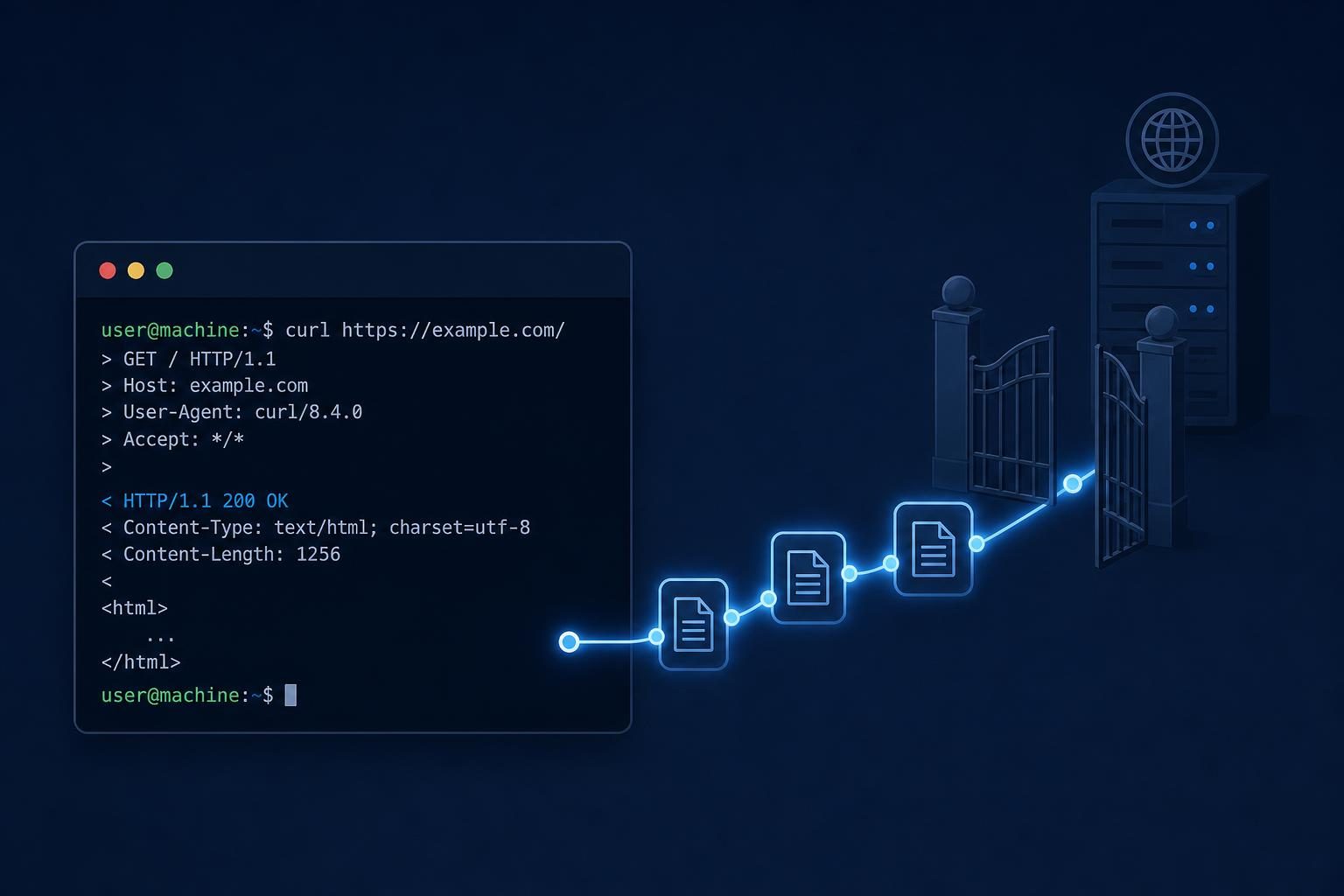
Run the checks in a fixed order so you can identify whether a problem comes from access rules, transport, or page markup. Save the output in a ticket or pull request; a screenshot of a dashboard is harder to compare after deployment.
Start with robots.txt. Request the file at the site root.
curl https://example.com/robots.txtLook for the intended
User-agentgroups, broadDisallow: /rules, and paths that should remain crawlable. Check whether the file names the correct sitemap URL. A malformed rule can behave differently from the author's intent, so compare it with the routes that the site actually serves.Check the XML sitemap. Fetch the sitemap and inspect several entries.
curl -I https://example.com/sitemap.xmlEach URL should use the preferred hostname and protocol, resolve without an avoidable redirect, and represent a page you want crawled. Remove URLs that return errors, point to duplicates, or carry a deliberate
noindex.Inspect representative URLs. Choose the homepage, a key product or service route, a blog post, a parameterized URL, and a known error path.
curl -I https://example.com/pageA
200response is only the first check. Fetch the HTML and inspect the canonical element, robots meta tag, title, and links. Use Search Console's URL Inspection tool for a live test when available. It can show the tested page, loaded resources, rendered output, and Google's indexed version, which helps separate a current server problem from an older indexed state (Google Search Console URL Inspection documentation).Review internal links. Crawl the HTML for links to key routes. A JavaScript click handler may work for a human while giving a crawler no clear URL. Prefer
<a href="/guides/database-backups">and verify that the destination returns the expected response.
Record the URL, response status, redirect target, canonical, robots directive, and discovery source for every failure. That small evidence set gives a developer enough context to fix the right layer. For a quick outside-in pass on a live site, the free SEO doctor runs response, rendered HTML, robots.txt and sitemap checks from a URL.
Common crawlability problems and how to diagnose them
Most crawl failures become easier to fix when you separate the problem, the signal, and the fix. Do not treat every missing indexed URL as a crawl error. Google recommends checking availability data and testing individual URLs because a host failure prevents fetching while an indexing decision can have many other causes (Google's crawling troubleshooting guidance).
| Problem | Signal | Fix |
|---|---|---|
| Blocked route | robots.txt disallows a page that belongs in search |
Remove or narrow the rule, then retest the exact path |
| Conflicting directives | Sitemap includes a URL with noindex or a different canonical |
Choose one preferred URL and make sitemap, markup, and links agree |
| Broken or soft 404 | Missing page returns 200 with an error template, or returns an unexpected error |
Return an appropriate 404 or 410, or restore the intended page |
| Redirect chain | One URL passes through several 3xx responses or loops | Point old URLs directly to the final canonical destination |
| Orphaned page | Sitemap contains the URL, but no useful internal link reaches it | Add a contextual HTML link from a crawlable page |
| Duplicate URL | Query strings, trailing slashes, or protocol variants create near-identical pages | Set consistent routing and canonical behavior; link to one preferred form |
For example, /pricing?plan=pro and /pricing?plan=team might be valid application states, or they might create duplicate marketing pages. Inspect the rendered content and routing logic before blocking every query parameter. A sitemap entry should also be reachable through useful internal links because the sitemap supplies a list, while links provide paths and context.
A sitemap can expose a URL, but internal links give crawlers a route to discover it and context to understand its place.
Testing crawlability in a code repository
Repository inspection tells you why a response behaves as it does. Start by finding the file or function that owns each output, then compare it with the deployed response. The source can look correct while a reverse proxy, build step, or runtime route changes the result.
- Search
public/robots.txt, static assets, and route handlers for robots rules. - Find sitemap generation code and confirm its hostname, protocol, route inventory, and filtering rules.
- Trace page metadata and canonical generation, including layout defaults and environment variables.
- Inspect route definitions, redirect configuration, middleware, and error handlers.
- Review link components. Confirm they produce real
hrefvalues in server-rendered HTML.
A practical repository test can run against a local server before deployment:
npm run build
npm run start &
curl -I http://localhost:3000/
curl http://localhost:3000/robots.txt
curl -I http://localhost:3000/sitemap.xml
curl -s http://localhost:3000/guides/database-backups | grep -E 'canonical|noindex|href='
Repeat the same checks against production. Compare hostnames, redirects, response codes, and generated URLs. A common failure appears when local sitemap generation uses localhost correctly for testing but production inherits the wrong environment variable. Keep a small route fixture list in the repository and fail the check when a required route returns an error, an unexpected redirect, or a conflicting directive.
Using a coding agent to implement crawl fixes safely
Once the evidence identifies a source file, a coding agent can turn the finding into a reviewed repository change. SEOAgent for coding agents runs through the user's own model inside their coding agent, edits files in the user's repository, and waits for approval before applying changes. That workflow fits crawl fixes because the output is a diff you can inspect, test, and ship through the project's normal process.
Give the agent a narrow request with evidence. For example, provide the failing URL, its response headers, the relevant robots or sitemap output, and the expected behavior. Ask it to locate the generating code first. A useful request says, “Inspect why /guides/database-backups is listed in the sitemap with noindex. Do not edit yet. Report the files, runtime path, and proposed change.”
Then review the proposed diff. Check that a robots change does not expose private routes, that a sitemap change does not include drafts, and that a canonical fix preserves the site's preferred hostname. Run the local checks, inspect rendered HTML, and repeat the production test after your deployment.
SEOAgent is built for a coding-agent workflow, so it isn't a dashboard-only tool. The local Skill and seoagent CLI handle repository-centered audits and changes. Cloud Search Console analysis, keyword research, competitor research, and evidence-backed suggestions belong to the paid cloud tier. The agent does not publish to a CMS; your team reviews the diff and ships the repository change.
The SEO workflow for coding agents explains this repository-first pattern. For generated sitemap or canonical URLs, also review guidance on absolute links and SEO.
Ask a coding agent to explain the evidence and proposed files before asking it to edit crawl behavior.
Website crawl test checklist
Run this checklist after a launch, routing change, domain migration, or robots edit. Keep the result with the deployment record so a later failure has a known comparison point.
- Homepage returns the expected successful response.
- Important product, service, documentation, and article routes are not blocked.
robots.txtexists at the root, parses as intended, and names the correct sitemap.- Sitemap URLs are canonical, reachable, current, and free of deliberate
noindexdirectives. - Internal links resolve to real URLs through HTML anchors with
hrefattributes. - Redirects terminate at the intended destination without loops or avoidable chains.
- Missing pages return an appropriate 4xx response rather than an error template with
200. - Canonical and
noindexdirectives agree with the sitemap and internal-link strategy. - Local and deployed tests inspect the rendered response, not only source files.
- Every fix receives a second crawl test after deployment.
Monitor Search Console's URL Inspection and crawl reports where your site has access to them. A crawl test gives you direct evidence from the repo and HTTP layer; Search Console adds Google's view of fetching and indexing. Keep both records when diagnosing a page that remains absent from search.
Start with one representative URL, save the command output, trace the responsible file, and approve only the smallest change that resolves the observed signal.
References
SEOAgent for GitHub
Your first SEO pull request in about 5 minutes.
Connect the repo your site lives in. SEOAgent finds what holds the site back in search and fixes it in pull requests. You review and merge every change.
- ✓14 days free
- ✓No card
- ✓$79/site/month after
- ✓What SEOAgent found, and the plan for your site
- ✓Meta descriptions for 14 pages
- ✓Sitemap and robots.txt
- ✓Organization schema
- 370+sites
- 1,100+articles written
- 3,500+SEO changes made