SEO Automation Software for Coding Agents
Most SEO automation software stops at a recommendation in a dashboard. Here is what changes when the audit and the edit happen in the repository, behind the same review gate as every other change.
On this page
- TL;DR
- SEO automation software that works in your repository
- What SEOAgent automates
- Why developers choose repository-based SEO automation
- SEO tools for Claude and other coding agents
- Who this is not for
- Add search data when you need evidence beyond the codebase
- Start automating SEO in your repo
- FAQ
- What is SEO automation software for coding agents?
- How does SEO automation software for coding agents work?
- Does SEOAgent publish to a CMS?
- References
TL;DR
- SEOAgent is SEO automation software built for websites stored in a Git repository.
- A free Skill and local
seoagentCLI let Claude Code, Cursor, Codex, or another supported coding agent inspect your site and propose file changes. - You review and approve every diff before your normal deploy process ships it.
- An optional paid cloud tier adds Google Search Console analysis, keyword research, competitor research, and evidence-backed suggestions.
A technical founder can fix a broken build in minutes, yet spend weeks postponing SEO because every recommendation lives in another dashboard. The report identifies a missing title or a weak internal link, then leaves you to copy the change into a repository, test it, and remember what changed. SEO automation software works better for a repo-based team when the analysis and implementation happen beside the code.
Quick answer: SEOAgent is a free Skill plus a local seoagent CLI. Your own model runs inside your coding agent, inspects the site, and writes suggested SEO changes into repository files. You approve the diff and ship it through your existing process. SEOAgent does not publish to a CMS on your behalf.
SEO automation software that works in your repository
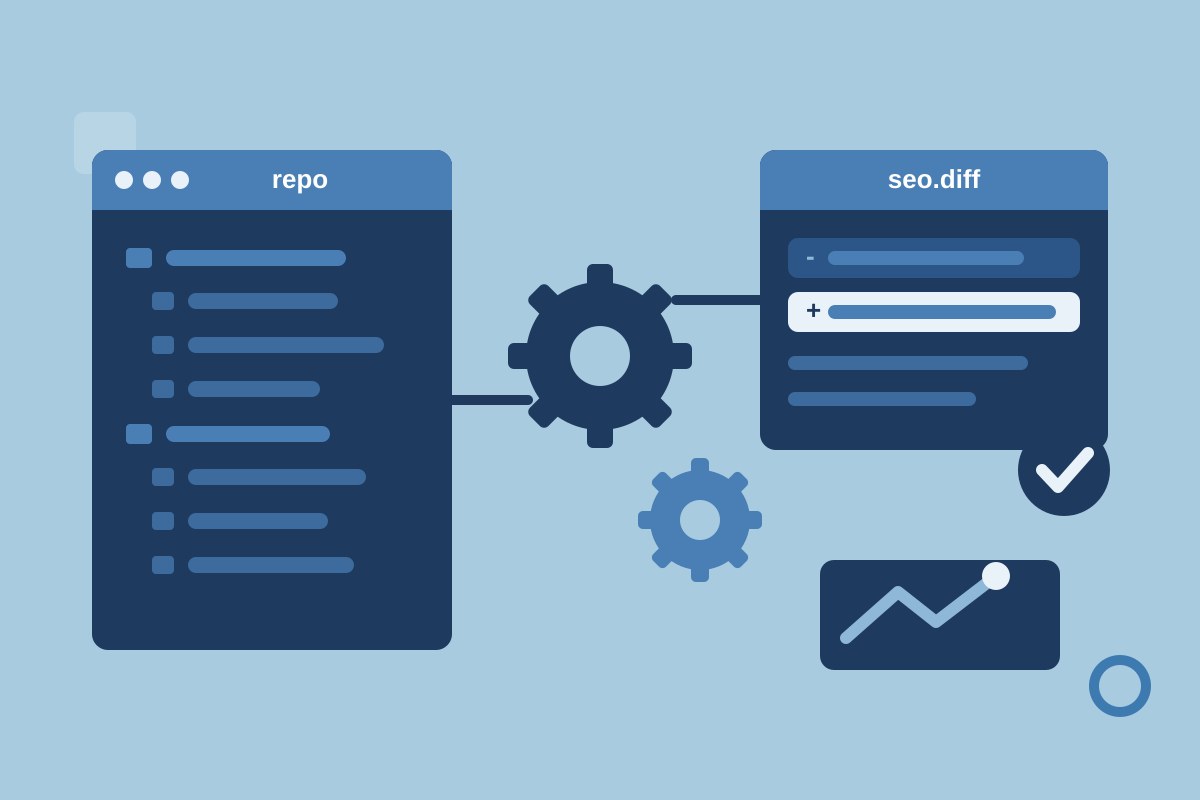
Repository-first SEO solves the handoff between an SEO recommendation and an actual change. After you install the CLI package and run seoagent init, the Skill gives your coding agent the context to inspect the project. The model you already use does the work inside Claude Code, Cursor, Codex, or another supported coding-agent workflow.
Suppose a SaaS site has a product page with a generic title, missing description, and no useful links to its integration guide. The agent can inspect the relevant route and content files, propose edits, and leave the project in a reviewable state. You can read the diff, reject an overbroad change, run tests, and merge only what makes sense.
The workflow has four clear stages:
- Initialize the SEOAgent Skill in the repository.
- Run an audit or ask the coding agent to inspect a specific page group.
- Review proposed metadata, content, schema, or link changes as a diff.
- Approve, test, commit, and deploy through your normal Git workflow.
That approval gate keeps SEO work tied to the same code review habits as product work. Google recommends checking third-party SEO advice against its own Search guidance rather than accepting every recommendation without verification, so a human review remains part of the process (Google Search guidance on third-party SEO tools).
SEO automation becomes useful when a recommendation ends as a reviewable repository diff, not as another unchecked item in a dashboard.
What SEOAgent automates
SEOAgent automates inspection and proposed implementation across the files that define your site. The free local workflow can audit technical and on-page SEO, fix metadata and schema, and build or improve SEO pages in the repository. It can also inspect internal links and site structure where the relevant files are available to the coding agent.
For example, a blog article might contain a title that does not describe its subject, a heading structure that skips from an H2 to an H4, and no link to the related product page. A useful run should identify each issue, locate the source file, and suggest a focused edit. The agent might revise front matter, repair headings, and add a contextual link without rewriting the entire article.
SEO auto tools often sound as if they can run unattended. SEOAgent takes a narrower, safer approach. It proposes changes; you decide whether the wording, schema, links, and page intent fit the product. The coding agent writes the approved work into files, while you remain responsible for accuracy and deployment.
| SEO task | Repository artifact | Review question |
|---|---|---|
| Metadata audit | Route metadata or front matter | Does the title describe the page without repeating a keyword? |
| Content structure | Markdown, MDX, or page component | Does the page answer its search intent clearly? |
| Internal linking | Article and navigation files | Does the link help a reader take the next step? |
| Schema changes | Structured-data component or JSON-LD | Does the markup describe visible, accurate page content? |
The developer resources list commands such as seoagent crawl, seoagent internal-links, seoagent sitemap, and seoagent doctor. Use a narrow command when you know the problem, then inspect the resulting files before widening the scope. That habit prevents a broad content run from touching pages you did not intend to change.
Why developers choose repository-based SEO automation
Developers choose repository-based SEO automation because the execution point already exists: the codebase. SEOAgent uses your own model inside your coding agent, so the person who understands the routing, content model, and deployment rules can review the change in context.
This differs from dashboard-first SaaS SEO tools, which commonly present recommendations in a browser and leave implementation elsewhere. A dashboard can suit a marketing team that wants to manage SEO independently. SEOAgent suits a team that wants SEO changes to pass through Git, code review, and its existing release process. For a wider view of the category — reporting tools, autobloggers, and execution agents — see the best SEO automation tools, and SEO automation for where the automate/keep-human line sits.
The cost model also matters. SEOAgent avoids requiring a second dashboard subscription or per-credit metering for the free local Skill and CLI workflow. The optional cloud tier adds paid services for search data and research, so teams should separate local repository work from cloud features when evaluating the fit.
| Repository-first workflow | Dashboard-first workflow |
|---|---|
| Agent inspects files and proposes edits | Tool presents recommendations in a browser |
| Changes appear in a Git diff | Someone transfers recommendations into the codebase |
| Developer approves and deploys | Team manages implementation in a separate process |
| Local Skill and CLI handle repository work | Cloud subscription may be the primary workspace |
SEOAgent requires a compatible coding-agent workflow. It is not designed for a team that wants to manage every SEO task inside a standalone dashboard. A blog automation tool that generates and publishes content without review also represents a different model. Google warns that generating many pages without added value can violate its spam policies, so human editing and approval should remain explicit (Google guidance on generative AI content).
Repository-based SEO works best when the developer who owns the deploy path also owns the final approval for every SEO edit.
SEO tools for Claude and other coding agents
SEOAgent is a practical option among SEO tools for Claude Code because it gives the coding agent a repository-level task instead of a browser-only checklist. The Skill can audit a site and build pages in the same project where Claude Code already reads routes, components, and Markdown — the Claude Code SEO skill page has the install command.
People searching for the best Claude SEO tools should first decide where they want the work to happen. If the answer is "inside the repository," SEOAgent fits the workflow. If the answer is "inside a marketing dashboard," a dashboard-first product may be easier for nontechnical collaborators.
The same decision applies to Cursor and to the Codex SEO skill. SEOAgent supports the coding-agent pattern described for each, but teams should verify their specific setup before adopting it. The point is the execution model: the agent reads the project, proposes changes, and waits for approval.
Claude SEO analysis tools are useful when they connect findings to the files that need editing. For example, a report that says "add internal links" leaves the developer with research work. A repository-aware run can identify the article file, suggest a destination page, and show the exact change. These are the practical criteria for comparing the best SEO tools for Claude, rather than an unsupported ranking claim.
Who this is not for
- Teams that do not use Git or keep their website in an accessible repository.
- Marketing departments that need a standalone dashboard with no coding-agent workflow.
- Organizations that expect automatic CMS publishing without developer approval.
- Teams seeking ranking guarantees, traffic promises, or a replacement for editorial judgment.
Add search data when you need evidence beyond the codebase
A repository can reveal what your pages contain, but it cannot show every query, competitor pattern, or performance signal. SEOAgent separates those needs. The free Skill and local CLI handle repository-based SEO work; the optional paid cloud tier adds Google Search Console analysis, keyword research, competitor research, and evidence-backed suggestions.
Connect Google Search Console from the dashboard once you have an account, then review the query and page data before asking for changes. Search Console's API includes Search Analytics, Sitemaps, Sites, and URL Inspection services, which gives teams several ways to inspect search performance and indexing information (Google Search Console API reference). Rank tracking and keyword research describe what the cloud tier does with that data.
Here is a typical evidence-backed sequence for a product page:
- Check which queries and pages deserve attention in Search Console.
- Compare the page's current promise with the search intent and relevant competitors.
- Queue a suggestion for metadata, structure, internal links, or supporting content.
- Sync the approved suggestion back into the repository.
- Review the diff and ship it through Git.
That boundary prevents the local tool from pretending that source files contain market evidence. It also keeps cloud research optional. A small team can begin with a local crawl and add Search Console analysis when it needs performance data rather than buying a full dashboard before the workflow is clear.
Search data explains which page deserves attention; the repository determines how the approved fix reaches production.
Start automating SEO in your repo
Set up SEOAgent in the same project where your site ships. Begin with the local workflow, then add cloud research when you need evidence outside the codebase.
- Install the Skill and CLI in the repository and run
seoagent init. - Run an audit, such as
seoagent crawl, or ask your coding agent to inspect a defined page group. - Review the proposed metadata, schema, content, or link changes as a diff.
- Create a SEOAgent account if you want Search Console analysis and cloud research.
- Inspect the diff, test the site, approve the changes, and deploy through your existing process.
Use this launch checklist before merging:
- The target pages and search intent are named.
- Every metadata, schema, content, or link edit has a visible diff.
- A human checked factual claims and brand language.
- Automated tests and a local preview pass.
- The deploy owner approved the commit.
SEOAgent does not replace your deploy process. The user remains responsible for approving and shipping repository changes. That makes it a practical choice for developers who want SEO automation software in the codebase, with control kept at the same point where every other production change is reviewed. If you are still deciding whether a coding agent can do this work at all, test your agent first.
FAQ
What is SEO automation software for coding agents?
SEO automation software for coding agents is tooling that lets a coding agent inspect website files, identify SEO issues, and propose repository changes for human approval. SEOAgent provides a free Skill and local seoagent CLI for this workflow.
How does SEO automation software for coding agents work?
SEOAgent initializes a Skill in a repository, lets a supported coding agent audit site files and create suggested edits, and keeps the user responsible for reviewing, approving, testing, and shipping each change.
Does SEOAgent publish to a CMS?
No. SEOAgent does not publish to WordPress, Webflow, Strapi, Shopify, or any other CMS. The coding agent writes changes into the repository and you ship them through your normal deployment process.
References
Put SEO on autopilot in your own editor
SEOAgent runs as a free skill inside Claude Code, Cursor, and Codex — on the model you already pay for. Audit, plan, and write SEO content right in your repo, with every change reviewed before it ships. No second AI subscription.
What do you use to work on your site?
Pick one above and we take you to the right setup.